How to Film Your VSL & Ads
A complete beginner's guide to confidently recording your Video Sales Letter & Ads
What's a VSL?
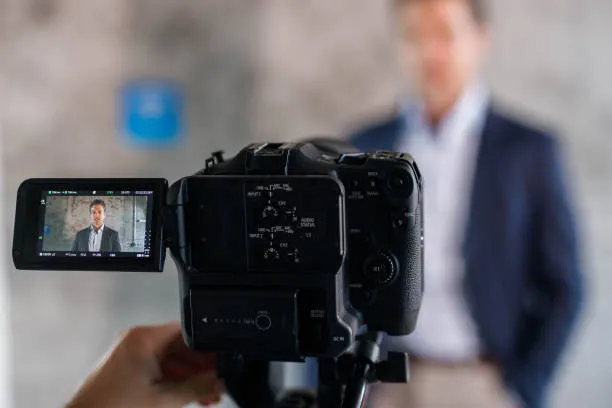
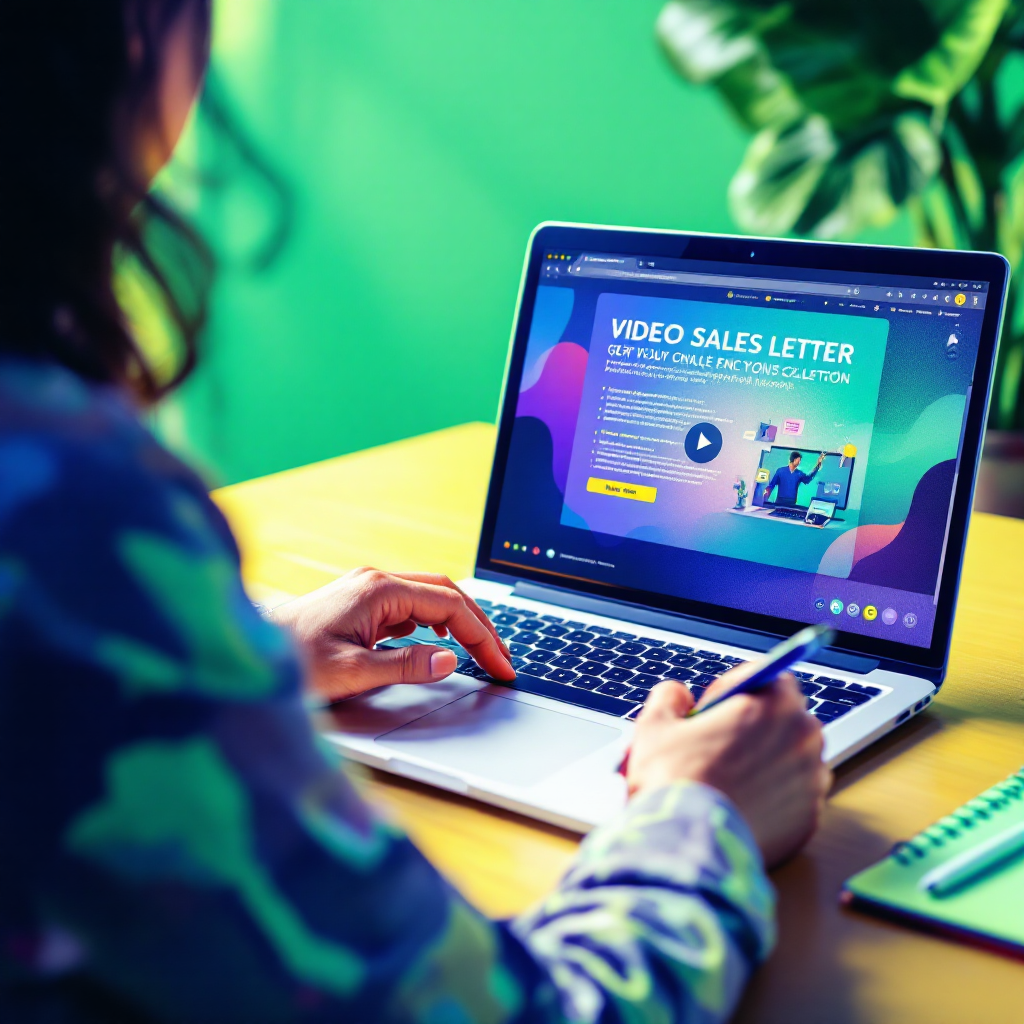
A VSL (Video Sales Letter) is simply a short video that explains what you do, who it's for, and how to work with you — all in your own words.
It's one of the most important tools in your marketing funnel because it:
- Builds trust quickly
- Helps potential clients understand your offer
- Converts viewers into leads or customers
Don't worry if you've never recorded a video before — this guide will walk you through everything, step by step.
Your VSL's Job
Your VSL doesn't need to be flashy or overly produced. In fact, simple is better. All it needs to do is:
- Make a strong first impression
- Clearly explain what you do
- Make your ideal client feel like, "This is exactly what I've been looking for."
🛠 Tools You'll Need
You don't need fancy gear. Just:
Device
A smartphone or laptop with a camera
Space
A quiet, well-lit space (more on lighting below)
Audio
Earbuds or AirPods (for better audio)
Content
Your VSL script (we'll provide it)
App
A teleprompter app (see below — this is important!)
📲 Use a Teleprompter (This is Non-Negotiable)
You'll be reading your script — and to avoid awkward eye movement or looking down, you'll use a free teleprompter app on your phone or computer.
Best Free Teleprompter Apps:
Apple (iPhone/iPad):
- Teleprompter for Video
- Captions App
Android:
- Elegant Teleprompter
- Teleprompter for Video
This helps your eyes stay level with the camera and makes you look confident and natural.
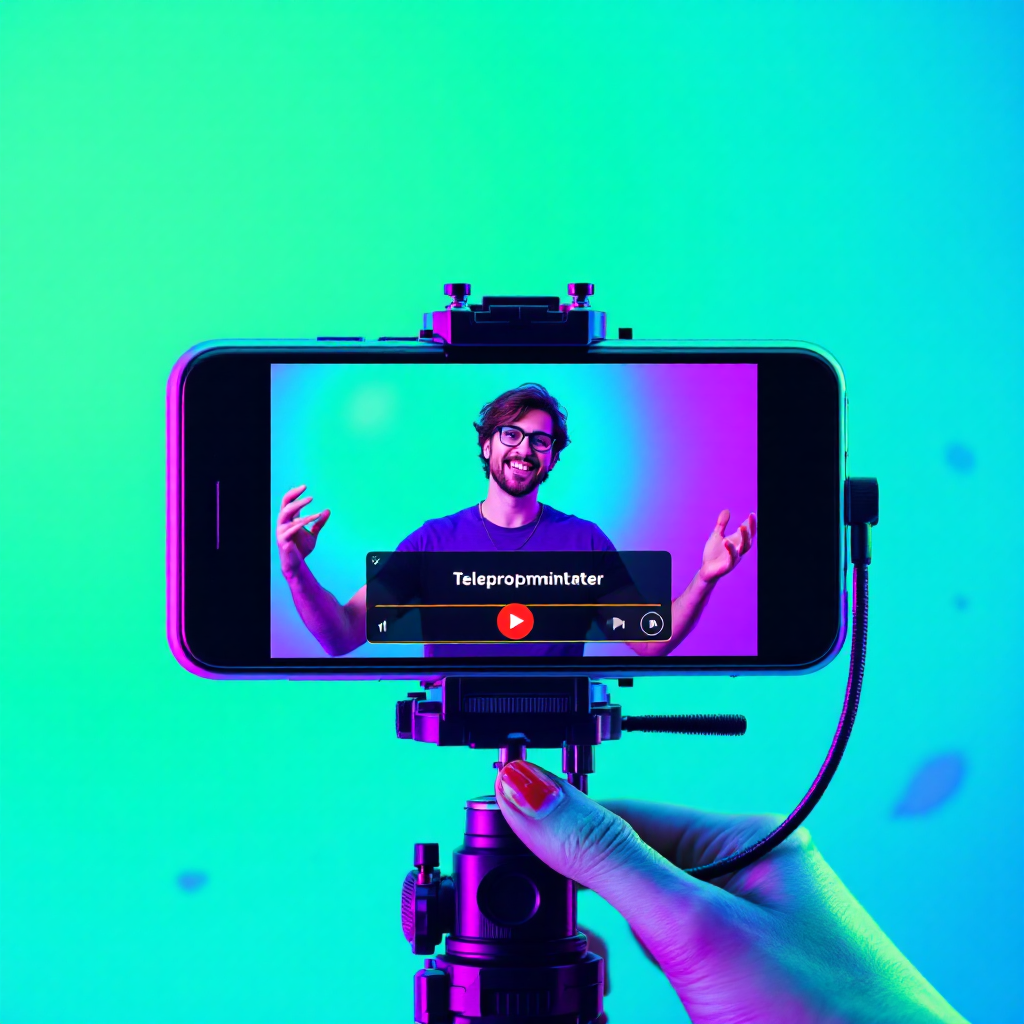
Watch this video for tips on filming yourself with your phone:
Your Filming Setup
There are two great ways to film your VSL, depending on your experience and gear. Whichever you choose, the most important things are:
- Film in landscape (horizontal) mode
- Have good lighting (face a window or use a lamp)
- Use clear audio (preferably with a lavalier mic or AirPods)
1
Beginner Setup (Recommended for Most)
This is the simplest way to get a clean, high-quality VSL:
- Use your phone with a free teleprompter app
- Hold your phone horizontally (landscape mode only!)
- Set your phone up at eye level — use a tripod or prop it up on books
- Sit facing a window for natural light or use a lamp
- Use AirPods or a lav mic for clean, professional audio
- Frame yourself from chest-up in the center of the screen
- Hit record and read from your teleprompter app on the screen
- Do a test recording first: "Hi, this is [Name], just testing video and audio"
2
Advanced Setup (Tripod + External Teleprompter)
If you want to level up your quality:
- Mount your phone or DSLR on a tripod, at eye level
- Place your phone with the teleprompter app just below or next to the camera
(So your eye-line stays close to the lens) - Use a clip-on lavalier mic or shotgun mic for studio-quality sound
- Light your face with soft natural light or a ring light/softbox
- Sit 2–3 feet from the camera and frame yourself chest-up
- Keep your background clean and uncluttered
Audio Tips (Make It Clear)
- Use AirPods, earbuds, or a clip mic if you have one
- No mic? Sit close to your device — max 2–3 feet away
- Record in a quiet room with soft furnishings (avoids echo)
- Turn off AC, fans, or anything humming in the background
- Test by saying: "Hi, I'm [Your Name], just testing my audio quality."
💡 Lighting Tips (Make It Look Clean)
Lighting is everything. You don't need fancy gear — just good placement.
Do this:
- Sit facing a window for natural light
- Use lamps to light your face if indoors at night
- Run a selfie test — if your face looks clear in a selfie, you're good
Avoid this:
- Windows behind you (your face will be in shadow)
- Sitting in the dark with just your screen glowing
Delivery & Presentation Tips
Pace
Speak slightly slower than normal — think news anchor pace
Tone
Talk like you're explaining your offer to a close friend
Script
It's okay to glance at the script occasionally — that's normal
Presence
Smile. Pause. Breathe. If you mess up, pause 2 seconds and keep going
Takes
Do 2–3 takes — send them all, we'll pick the best one
🧹 Common Mistakes to Avoid
Too Close
Sitting too close to the camera = distorted face
Too Fast
Rushing through the script = hard to follow
Too Robotic
Reading too robotically = low trust
Bad Lighting
Filming with light behind you = poor quality
No Testing
Forgetting to test = wasted time
✅ Final Pre-Filming Checklist
Before you press record, make sure:
- You've watched the VSL examples
- You're in a quiet, well-lit space
- Your phone is in Do Not Disturb mode
- You've got your teleprompter app ready
- You've done a 30-second test recording
- You've taken a selfie to confirm lighting looks good
- You've got water nearby and are ready to go
Filming Ads (Same Rules, Different Orientation)
Good news — if you've learned how to film your VSL, you already know how to film great ads!
The exact same principles apply:
- Use a teleprompter app if you're reading a script
- Record in a quiet, well-lit space
- Use a tripod or stable setup at eye level
- Ensure clear audio (AirPods or lav mic preferred)
- Speak naturally and with energy
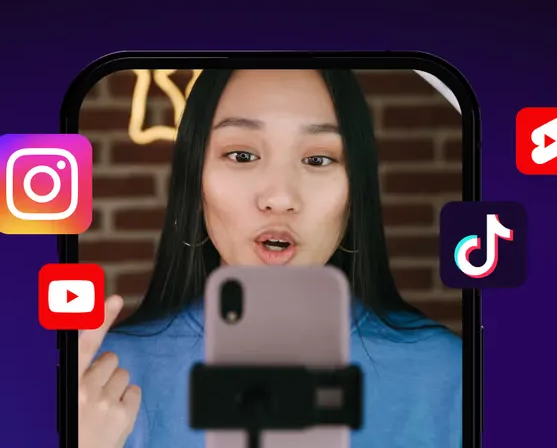
The only major difference? 📱 Ads must be filmed in vertical (portrait) mode, not landscape. This is because ads are shown on mobile platforms like Instagram Reels and Facebook Stories — and those formats are vertical.
So when you're recording an ad:
- Hold or mount your phone vertically
- Frame yourself mid-chest up, centered on screen
- Keep your eye-line close to the camera (same as with VSL)
That's it! Treat your ad script just like a mini VSL: natural, clear, and engaging — but vertical.
👋 Final Tip
This is just a conversation — not a performance. Your only job is to clearly explain what you do, who it's for, and how to get started. We'll make it look amazing.
Now go hit record. You've got this. 💪